Advertisement
Click to download now, finish the installation quickly, and directly unlock the all-round experience
Advertisement
Screenshots
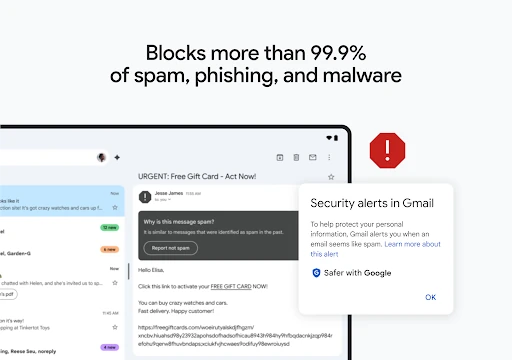
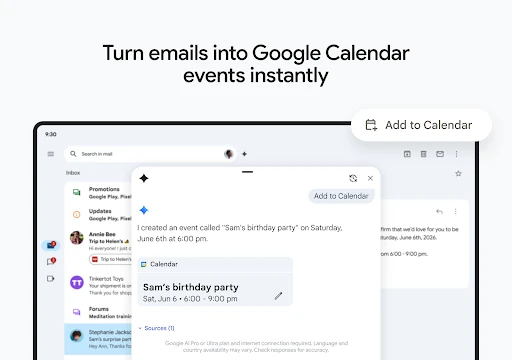

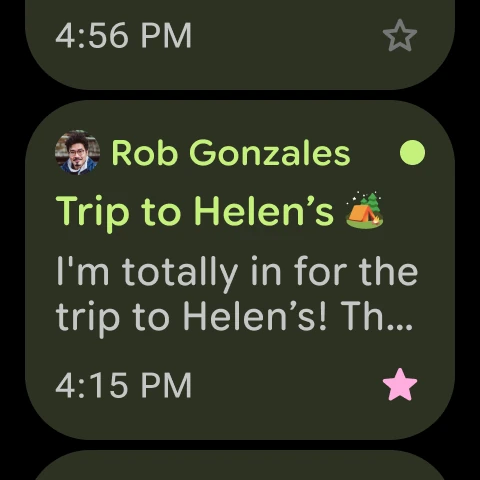


Click to download now, finish the installation quickly, and directly unlock the all-round experience
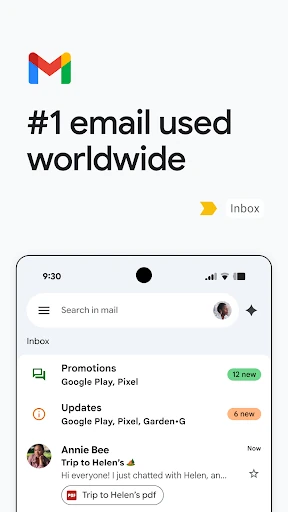
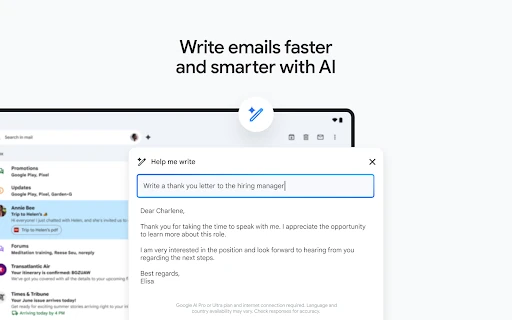
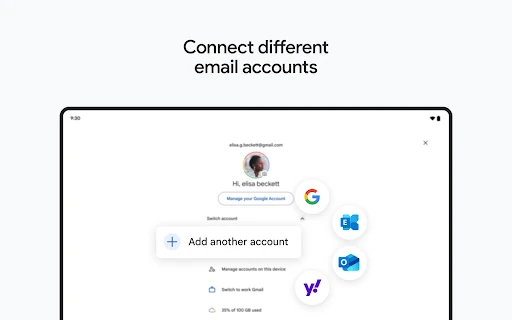
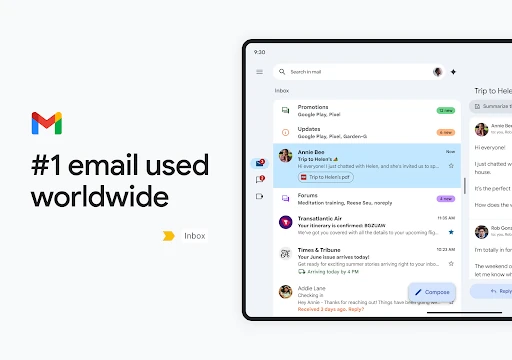
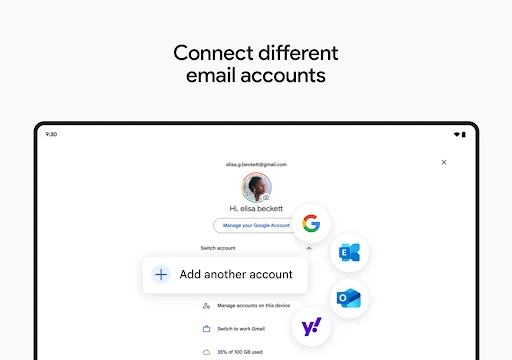
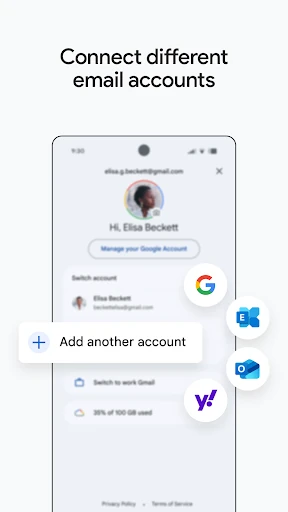
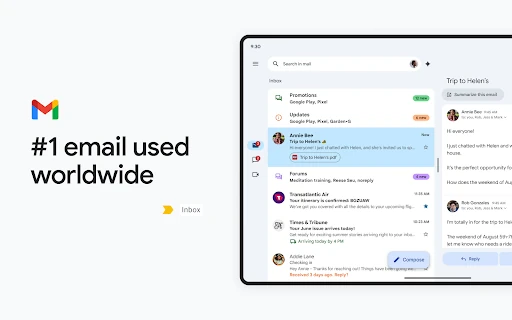
Gmail is Google’s email app for reading, sending and organising messages on an Android phone. It suits people who use email for both personal and work correspondence, especially those already using Google services. The app can also bring accounts from other email providers into one place, so it may be useful if you would rather not switch between separate inbox apps.
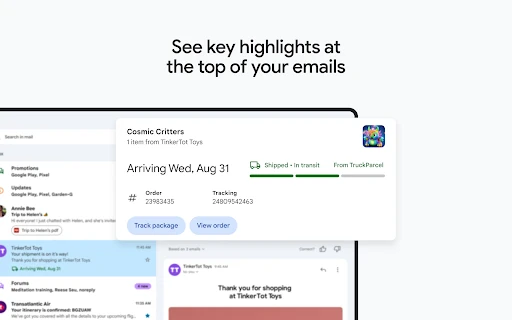
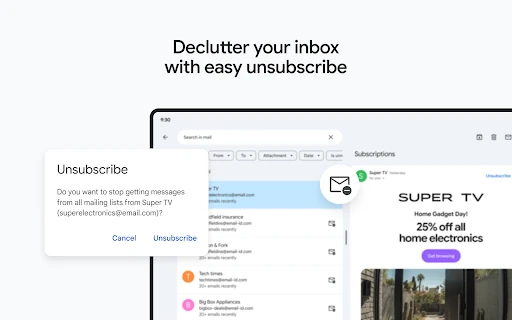
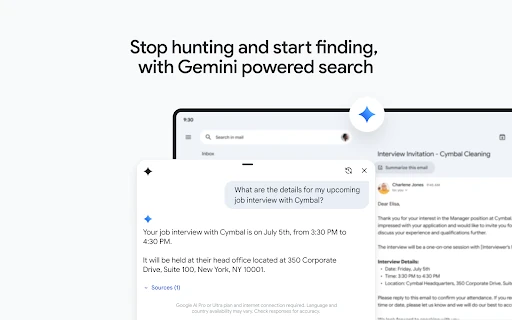
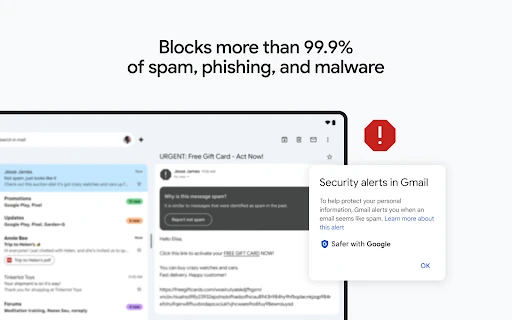
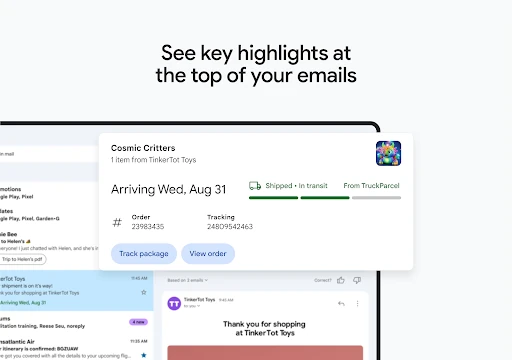
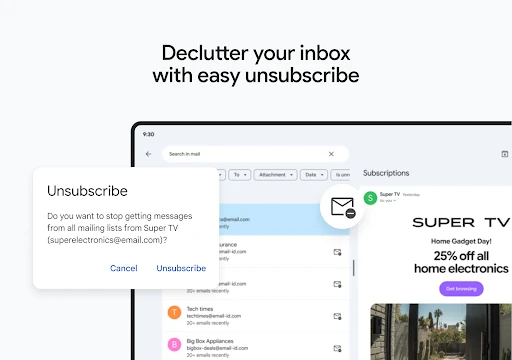
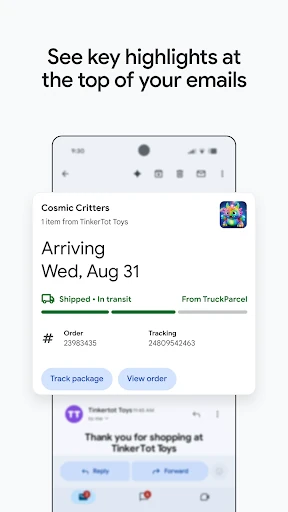
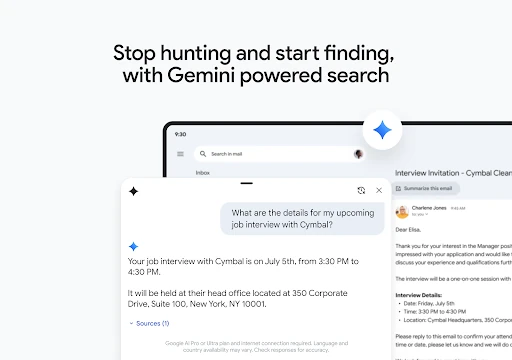
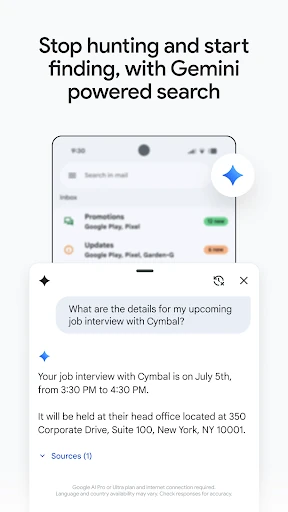
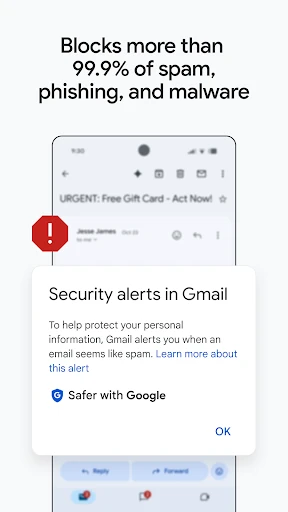
Search is central to Gmail: it helps you retrieve older messages and details without scrolling through an entire inbox. Spam and phishing filters aim to keep unwanted or suspicious mail out of view. Gmail can also surface useful details from some messages, such as travel or delivery information. These tools are helpful if your inbox is busy, though they do not remove the need to review important messages yourself.
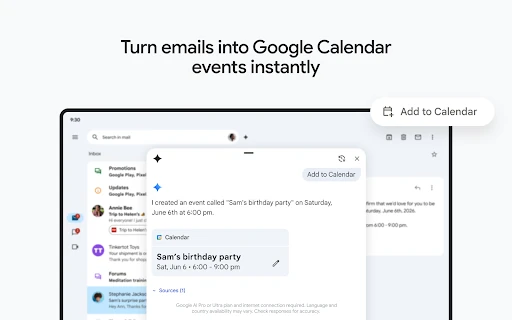
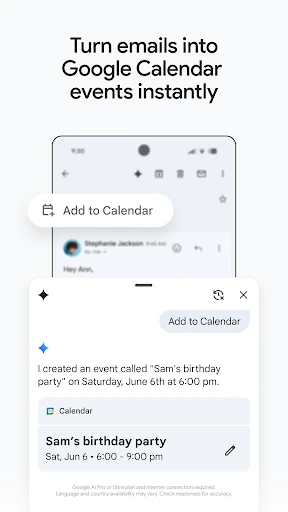
Gmail is a natural choice if your email and daily tasks already run through Google. Connections with services such as Calendar, Meet and Chat let some users move from a message to related scheduling or communication tools. That broader set of options may feel unnecessary if you want a minimal app for checking one mailbox; the experience is geared toward managing email alongside other services, not just displaying messages.
Gmail is developed by Google LLC and listed in Communication. Its rating is 4.11 from about 14.2 million ratings, with 10 billion or more installs. That scale suggests it is widely used, but does not settle whether it fits your needs. Consider how many accounts you manage, whether you rely on Google’s other services, and whether you want those connections in your email app before treating the score as a recommendation.