
Advertisement
Click to download now, finish the installation quickly, and directly unlock the all-round experience
Advertisement
Screenshots
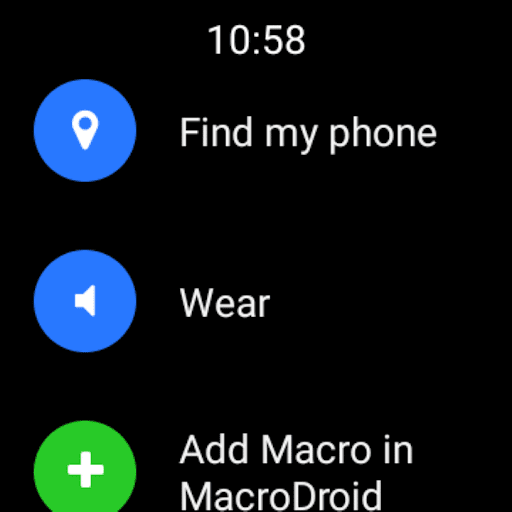
Click to download now, finish the installation quickly, and directly unlock the all-round experience
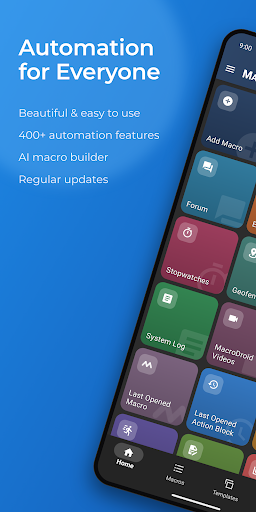
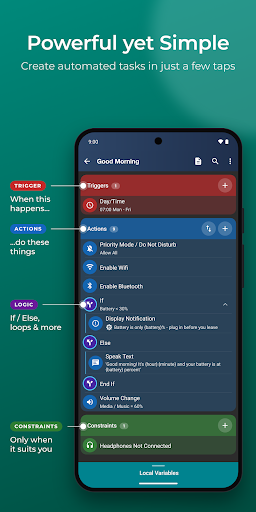
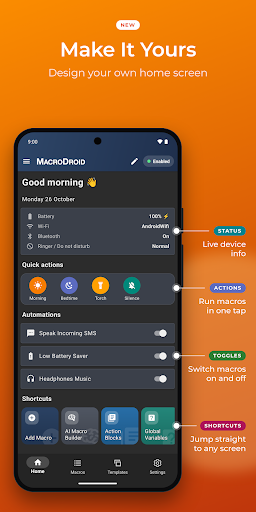
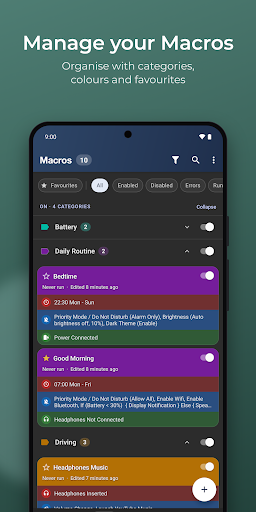
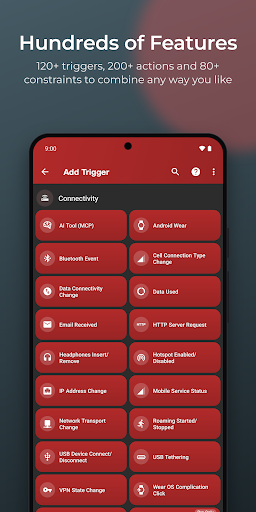
MacroDroid lets you build rules that make an Android phone act automatically when something happens. Choose a trigger, such as arriving at a location or connecting to Bluetooth, then set actions to follow. Optional conditions can narrow down when a rule runs. It suits people who want recurring phone tasks handled for them, from adjusting settings at night to starting music in the car.
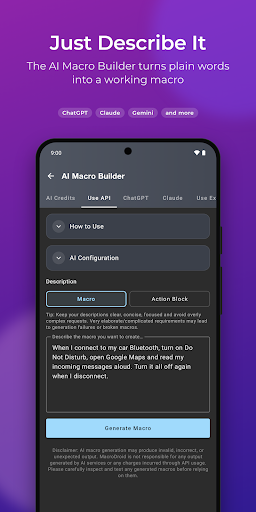
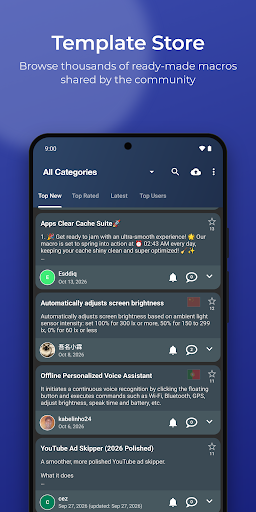
You do not need to write code to create a basic macro, and ready-made community templates offer a starting point. There is also room to build more involved workflows using conditions, variables and loops. That range makes MacroDroid useful both for newcomers with one clear routine to automate and for people willing to spend time refining a set of rules.
Automation depends on choosing the right triggers and actions, then setting their conditions carefully. A rule that is too broad may run at the wrong time; a narrowly specified one may not run when you expect. If you only need a single, occasional reminder or setting change, building and maintaining macros may be more work than doing it manually.
The free version is ad-supported and limits you to five macros. That may be enough to test a few routines, but people who want a larger collection should check the current upgrade terms before relying on it for that purpose.
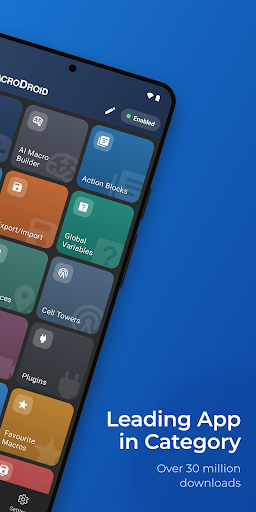
MacroDroid is published by ArloSoft and has a 4.3 rating from 95,460 reviews, with 10,000,000+ installs. Those figures show broad uptake, but they do not tell you whether its rule-building approach fits your needs. It is most relevant if you can name repeated tasks on your phone and are willing to set up the conditions that make them run reliably.