Advertisement
Click to download now, finish the installation quickly, and directly unlock the all-round experience
Advertisement
Screenshots

Click to download now, finish the installation quickly, and directly unlock the all-round experience
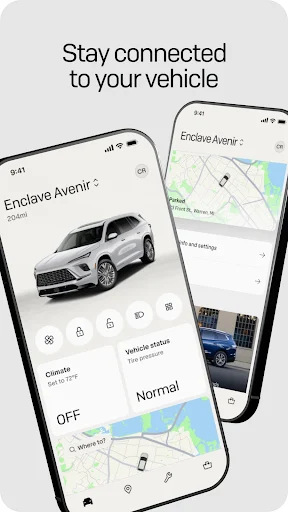
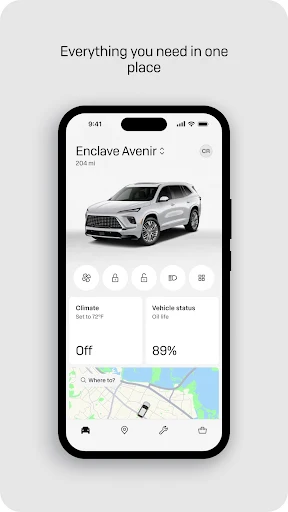
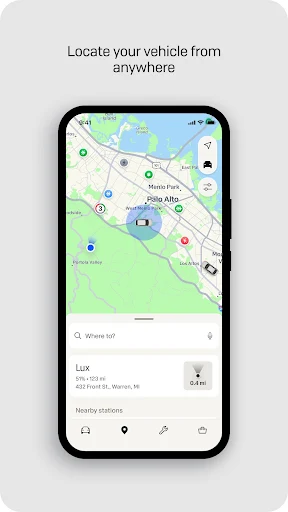
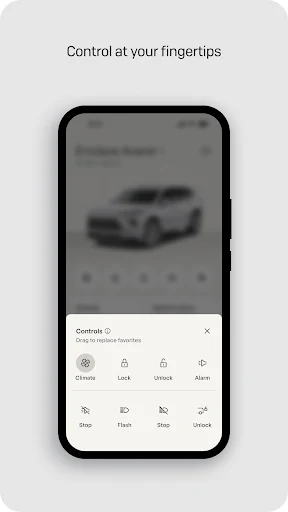
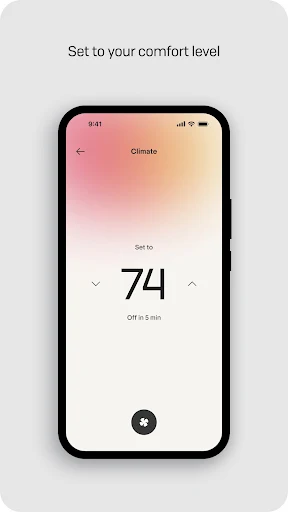
myBuick connects a compatible Buick with an app for remote actions, vehicle information and ownership tasks. Depending on the vehicle and available services, you can start, lock or unlock it remotely, check details such as fuel level, tire pressure and oil life, and set the cabin temperature before a trip. It is most useful if you own a suitably equipped Buick and want to manage some vehicle tasks without being beside it.
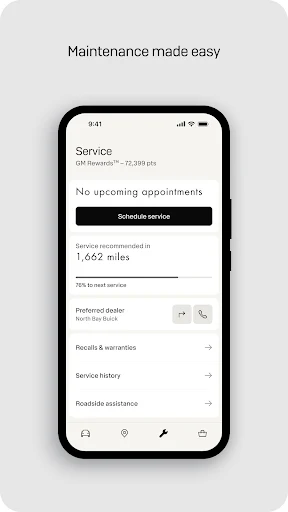
The app also brings together practical ownership tools: trip planning and maps, roadside assistance requests, service scheduling and dealership search. For vehicles with compatible charging features, it can show charging status and help locate charging stations. These options may matter more to some owners than others; for example, charging tools are relevant only if they match your vehicle and circumstances.
Do not assume every feature works with every Buick. The available functions depend on the vehicle’s equipment, model, location and service plan; some require a trial or paid plan. The app also needs a data connection, and remote services can depend on wireless coverage, GPS and the vehicle’s electrical systems. If you mainly want basic trip information, or your Buick is not compatible with connected services, much of the app may not apply to you.
General Motors (GM) is the developer. The listing shows a 4.75 rating from 29,034 ratings and more than 1,000,000 installs. That indicates a substantial audience and a strong overall score, but it does not establish that a particular feature is available for your vehicle or plan. For a Buick owner whose car supports the connected functions they need, myBuick brings several ownership tasks into one place; the fit depends on those requirements.